Location Pricing
Overview
The Location Pricing screen contains various settings related to the configuration of your configured products, as well as an audit log of price changes.
Products Tab
The products tab contains pricing and other configurations for each of your products.
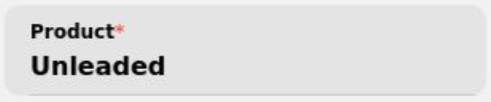
Product Name - The display name for the product on the Dashboard and other screens.

Preferred Color - The display color for the priceline on the dashboard’s Location Pricing section. Possible options are Default (Factory configured value), Red, Green, Amber, White, and Blue.
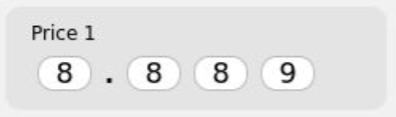
Price - This is the configured price(s) for the product that will be displayed on the sign. If multiple prices exist for a given product, a price may be removed with the  button.
Note
Consoles connected to and configured for your Point of Sale system will automatically update pricing when the Point of Sale system is updated. Any manual price updates on the console will be overridden.

POS Mapping - The product ID defined by your POS system for this product.

Add Price Row - For signs equipped with and configured for alternating caption tiles, additional product prices and captions can be set.
The following options are available with a sign equipped with and configured with alternating caption tiles:

Duration (s) - The number of seconds the price and caption will display when utilizing alternating captions. Values can be set from 3 seconds up to 20 seconds.

Caption - The product caption associated with the product price. For CCD tiles, only Cash, Credit, or Debit may be used. For Rewards toggles, only Rewards may be used. For full custom caption tiles, any value may be set. If none of the default options are desirable, custom captions can be set under Manage Available Captions Tab
Discount Groups Tab
The Discount Groups tab allows you to set a discount value to quickly apply to a pricing configuration. For details on how to apply the pricing configuration, see Priceline Information

Discount Type - The type of discount that is applied. Currently only Fixed is available, indicating a fixed discount of the configured price
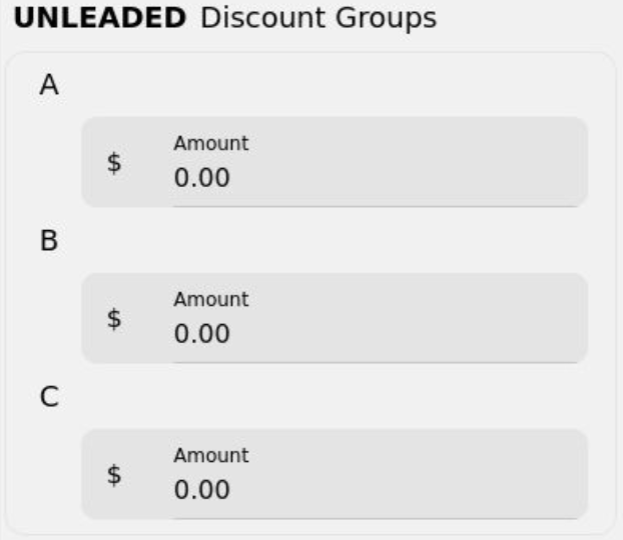
Discount Groups - Three seperate configurations that may be set to store different discount values to be applied.
Manage Available Captions Tab
The Manage Available Captions tab allows you to define custom captions for use with a full custom caption tile. This impacts the available options under Caption on the Products Tab.
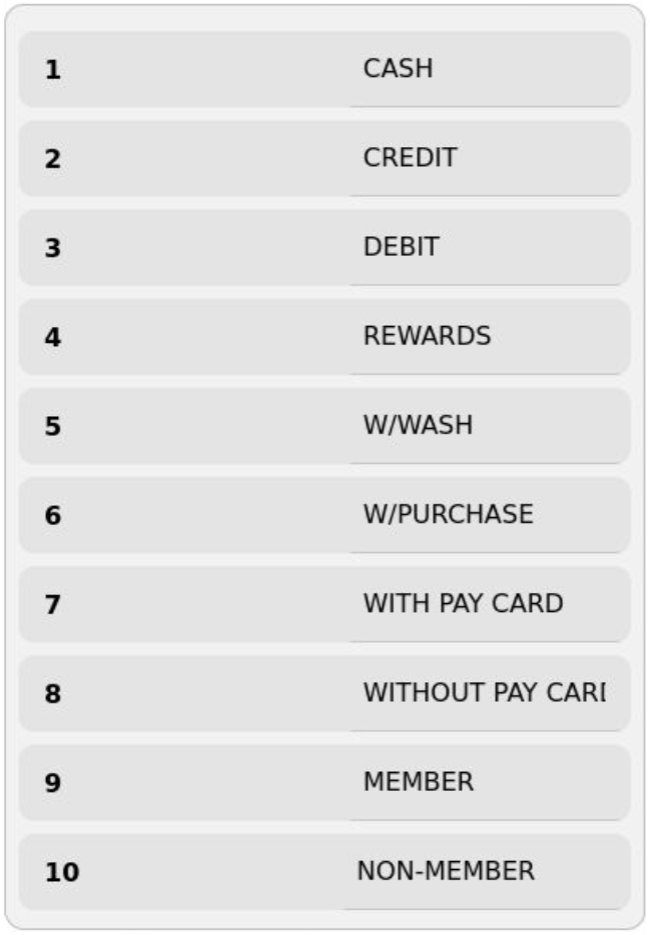
Press the caption you would like to alter, set it to the desired value, and press Save.
Price History Tab
The Price History tab provides an audit log of price change history for different products.
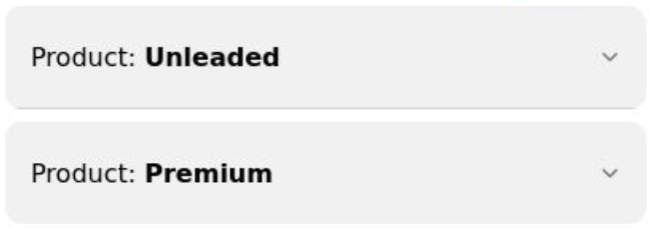
To view the price change history for a product, press the product in question to expand the view

The value of the price change and caption (if applicable), as well as the user that performed the change and the date changed will be displayed. Operating the console in Unlocked mode allows any person with access to the console to make price changes. These changes will be logged as the user “Console”